
Six charts, one workspace
Arrange up to six charts with a linked crosshair. Use 50 built-in indicators, Fibonacci and drawing tools, chart templates and saved workspaces.
A professional workspace built natively for Mac and Windows. Analyse markets, manage positions and run automated strategies in one connected terminal.
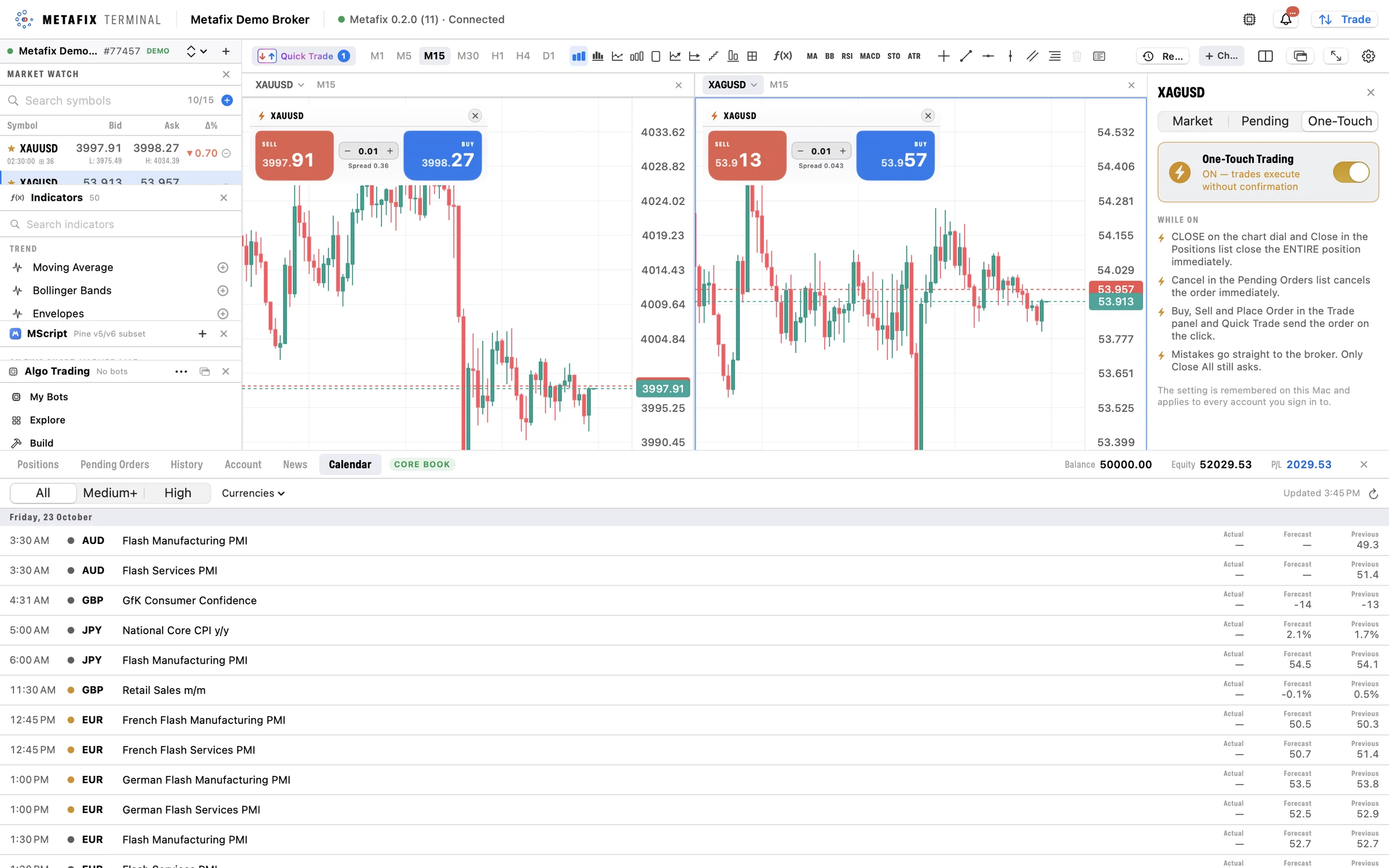
Four views from the desktop terminal: the full workspace, side-by-side charts, One-Touch trading and the Algo Trading window. Prices and account figures are illustrative.
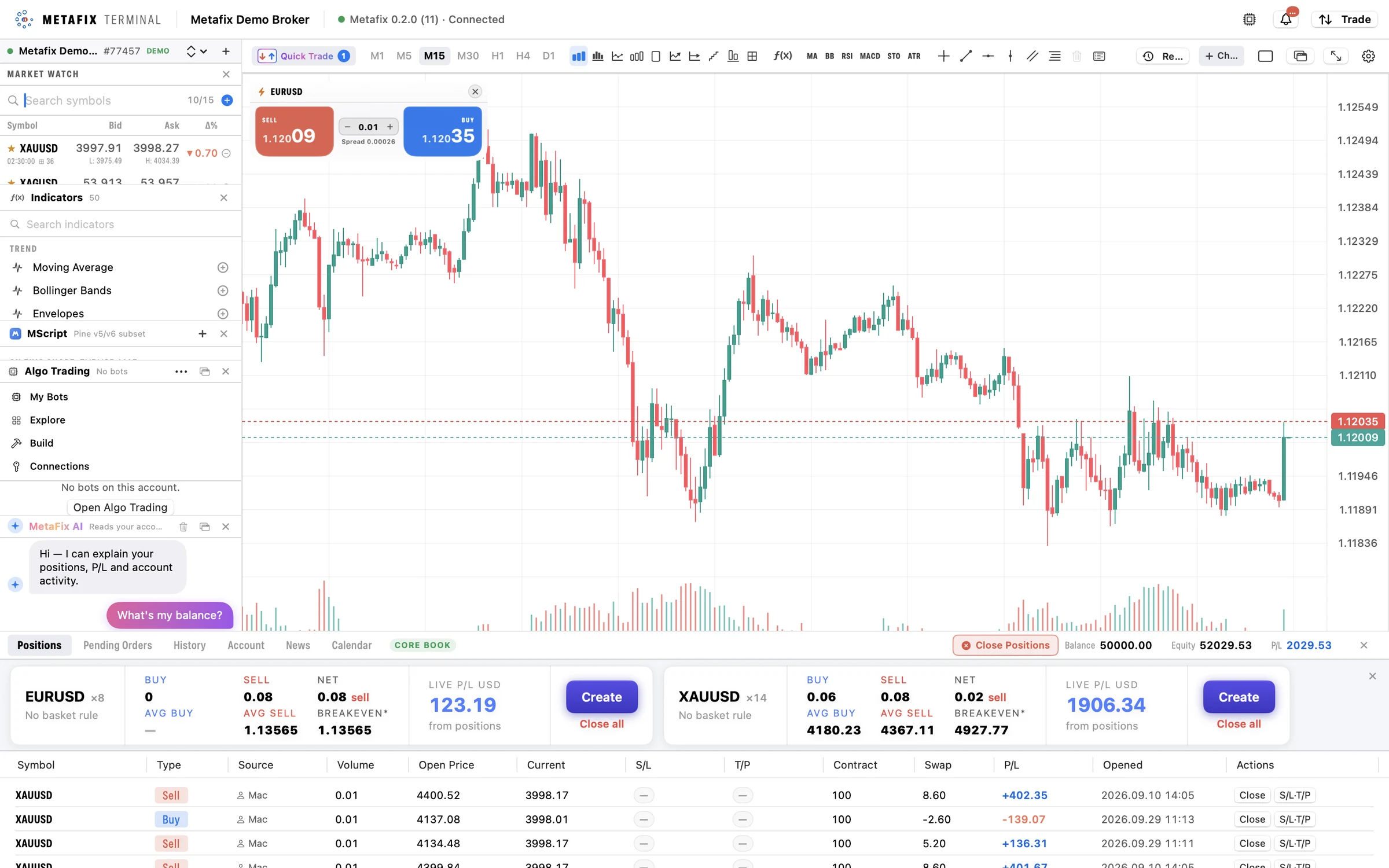
Market Watch, analysis tools and account controls sit around the chart, with positions open in the panel below.
Chart templates, saved layouts and detachable windows bring structure to a trading day. Bar Replay provides a way to practise with past markets.
Explore MScript & the AI script writerArrange up to six charts with a linked crosshair. Use 50 built-in indicators, Fibonacci and drawing tools, chart templates and saved workspaces.
Native graphics on Mac, including Apple silicon and Intel, and native graphics on Windows support a responsive charting experience without a web wrapper.
Bar Replay moves through historical markets at 0.5 to 10 bars per second, together with indicators, scripts and drawings. Practise ideas using historical data.
Detach windows for multi-monitor setups and return to saved chart layouts. MScript and the AI script writer sit inside the chart.
Place and manage orders beside the chart. Follow automated strategies from the same terminal, with clear stop controls.
Explore automated tradingUse chart quick-trade cards, a trade dial on each position and pending orders at the clicked price. One-touch trading supports fast order entry.
Close all positions, winning positions, losing positions or positions in a selected symbol.
Trailing stops continue on the server when the terminal is closed. Baskets display live breakeven and support grouped position management.
Browse bots, activate them, follow their profit and loss and stop them all from one place.
Native graphics and automatic reconnection support a continuous trading experience. Contact the team for Mac and Windows installation options and deployment requirements.
Ask about installationAsk for a guided demonstration of native charting, position management and automation on Mac or Windows.